
Yieldsaw
Plan first.
Measure twice.
Cut once.
Cut costs, cut time — before you ever make a cut. Yieldsaw works out the smartest way to cut every sheet and board, tracks what you have, and walks you through every cut at the saw.
Free to start · 2 active projects · No card required
The problem
Waste is planned in — or planned out.
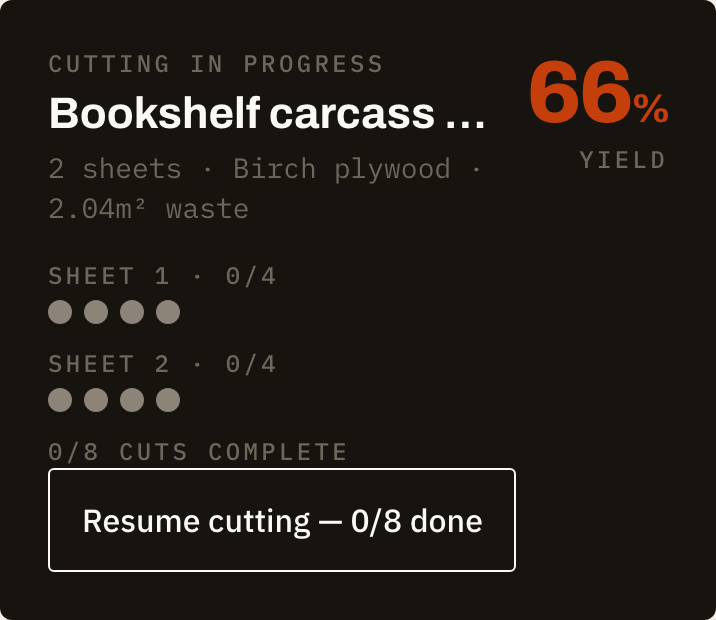
Every offcut you can't use, every board bought “just in case”, every mis-measured cut that ruins a part: that's the cost of skipping proper planning. For a hobbyist it's frustration; for a small shop it's margin. A few minutes with the right plan pays for itself on the first sheet.
Native app
Made for the workshop, on iPhone and iPad.
A real native app — fast, offline-tolerant shell, safe-area aware, built for the device already in your pocket or on your bench. Full-screen on iPad where a cutting diagram deserves the space.
The cutting engine
Layouts a saw can actually make.
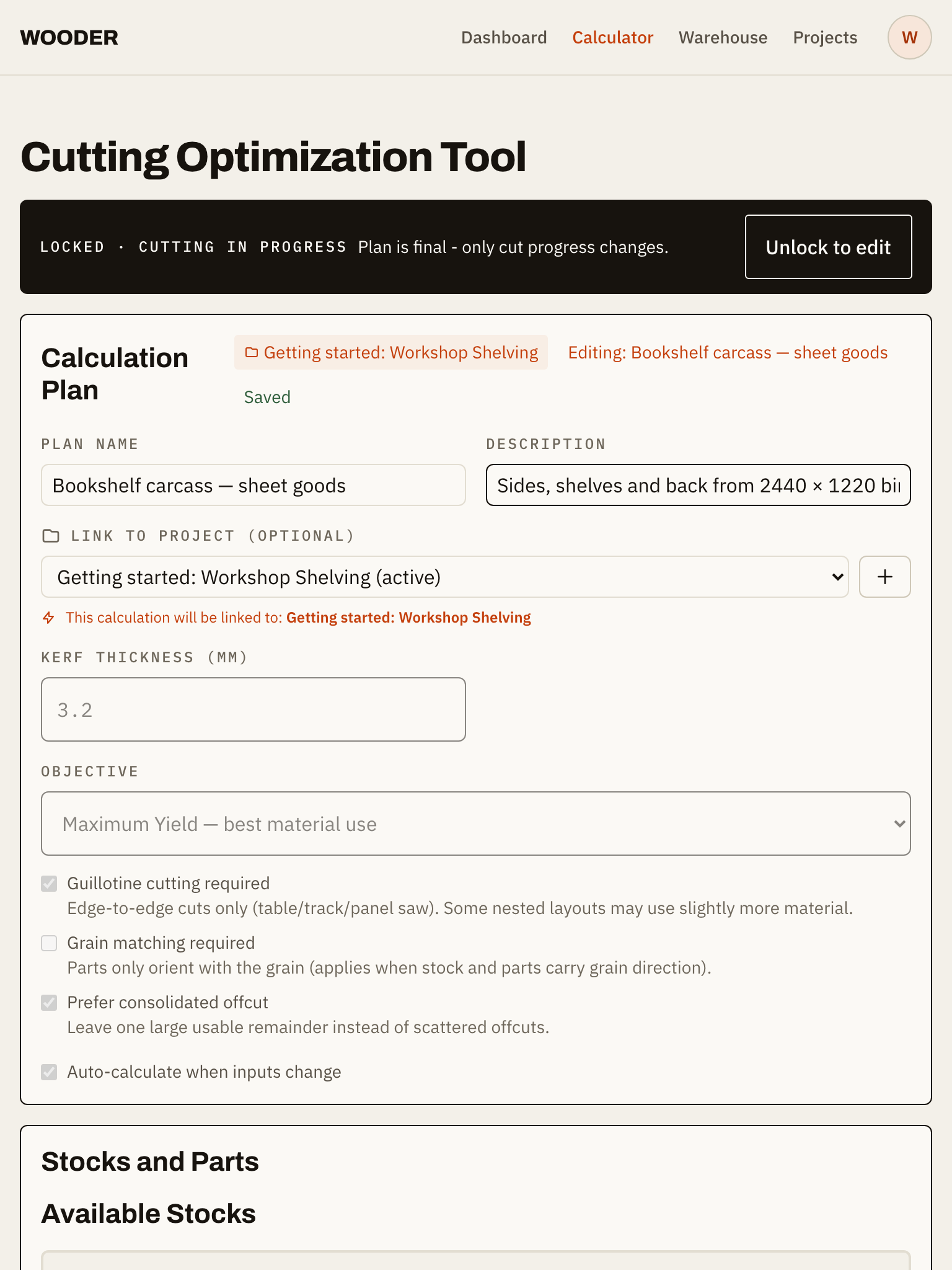
Guillotine-correct optimization — every layout decomposes into edge-to-edge cuts a table saw, track saw or panel saw can perform. It consolidates offcuts into one usable piece instead of scattered scraps, and reports real yield so you know exactly how much material you're using.

Per-cut detail
Fence-ready numbers. No math at the saw.
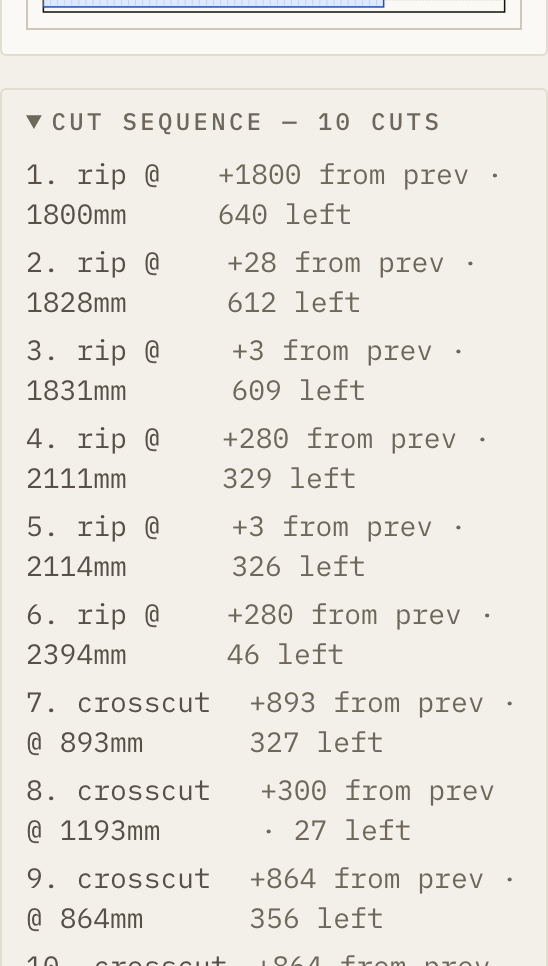
Every cut comes with its order, its offset from the previous cut, and the stock remaining after it. Set your fence, make the cut, set the next number. The thinking is already done — you just cut.
Cut-progress trail
Make every cut count.
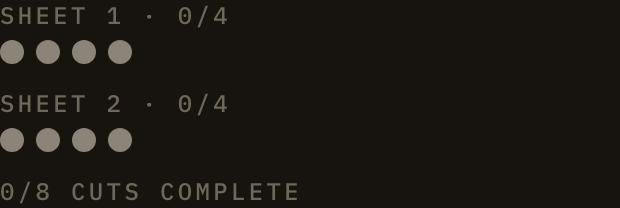
One dot per cut, filling in as you go. Yieldsaw tracks each part from planned to cut, so mid-project you always know what's done, what's next, and what's left on the sheet.
Export
Take the plan to the bench.
One tap exports your cut list, stock summary and every sheet diagram as a PDF — or grab diagrams as PNGs for your notes, your client, or your team board.

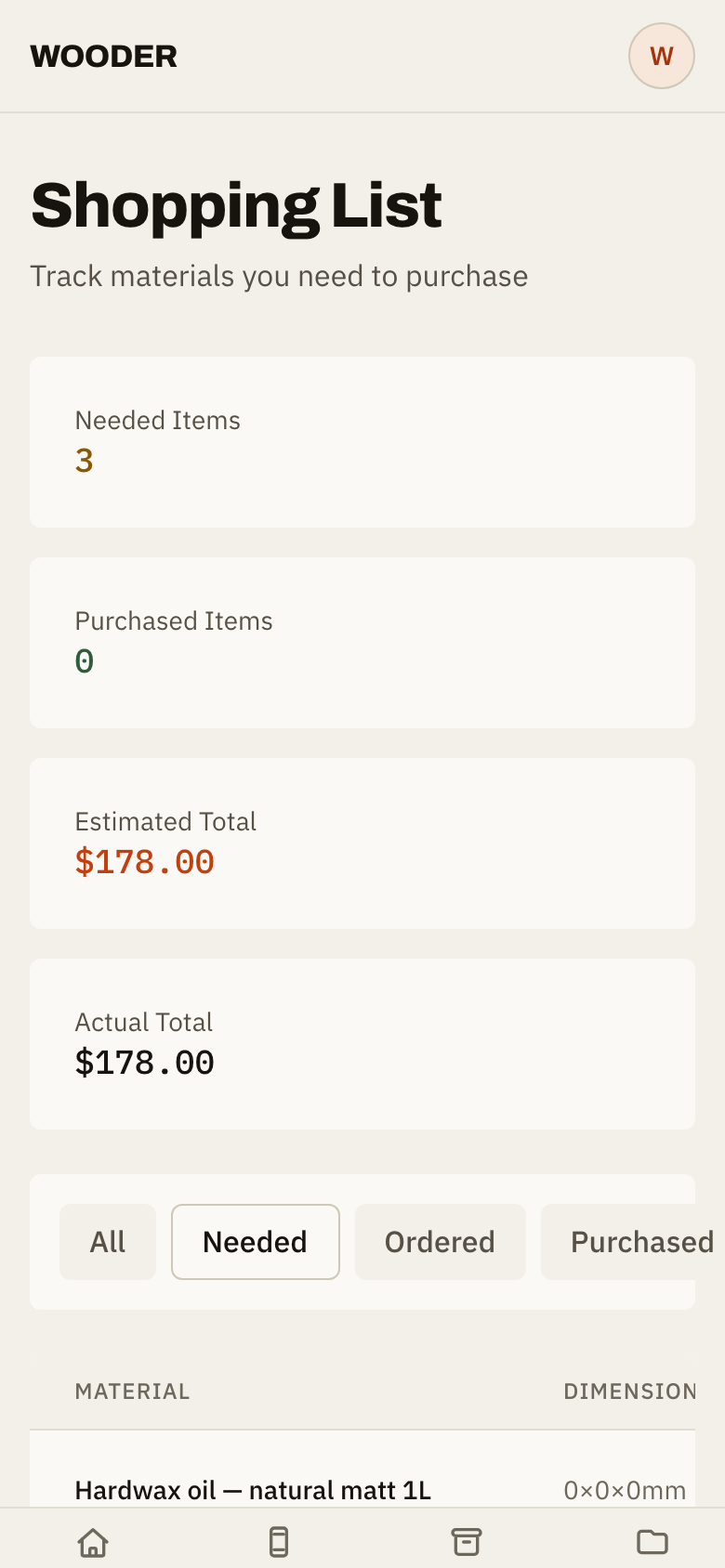
Shopping list
Know what to buy before you're at the yard.
Yieldsaw turns your plans into a shopping list with quantities and estimated costs, and tracks what you've bought against what a project needs. No more third trips for one board.
Warehouse
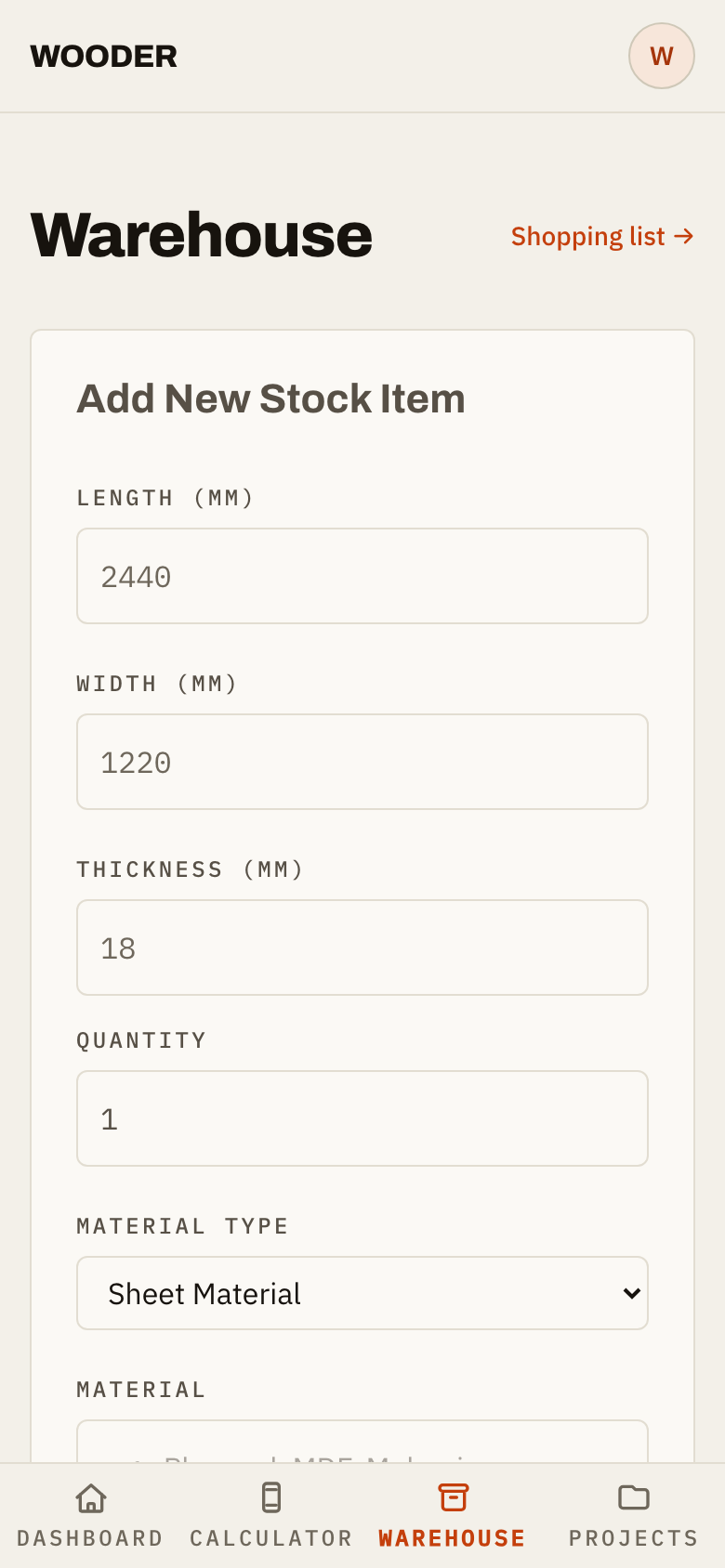
Know what you already have.
Track your stock — sheets, boards, offcuts — in one place. When a calculation uses stock, Yieldsaw reserves it so the same sheet can't be promised to two projects. Cut plans and inventory finally agree with each other.
Measure with your camera
Point. Measure. Done.
With LiDAR-equipped iPhones and iPads, Yieldsaw measures stock right through the camera — point at a board, tap two points, and the dimension fills itself in. That dusty sheet in the rack? Measure it in seconds and the cutting plan already knows it.
Requires a LiDAR-equipped device.
AR measurement, live on device
For every woodworker
One tool, weekend project or paying work.
Yieldsaw doesn't ask whether you're a hobbyist or a shop. The planning is the same: know your stock, know your cuts, waste less. Weekend cabinet? Two minutes to a plan. Small shop with three jobs on? Projects, reservations and cut tracking keep it straight.
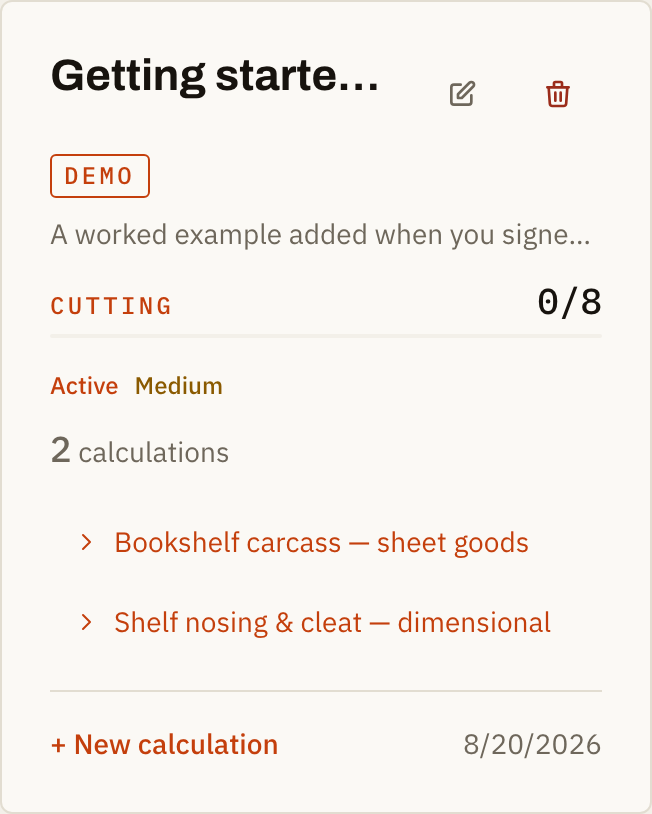
Coming soon: share projects with your team.
Pricing
Free to start. Unlimited when you grow.
Every feature, free — capped at 2 active projects. Unlimited active projects for Free to start, 2 active projects. $6.99/mo or $59.99/yr for unlimited.
See full pricing